n72room Logo Badge — new model
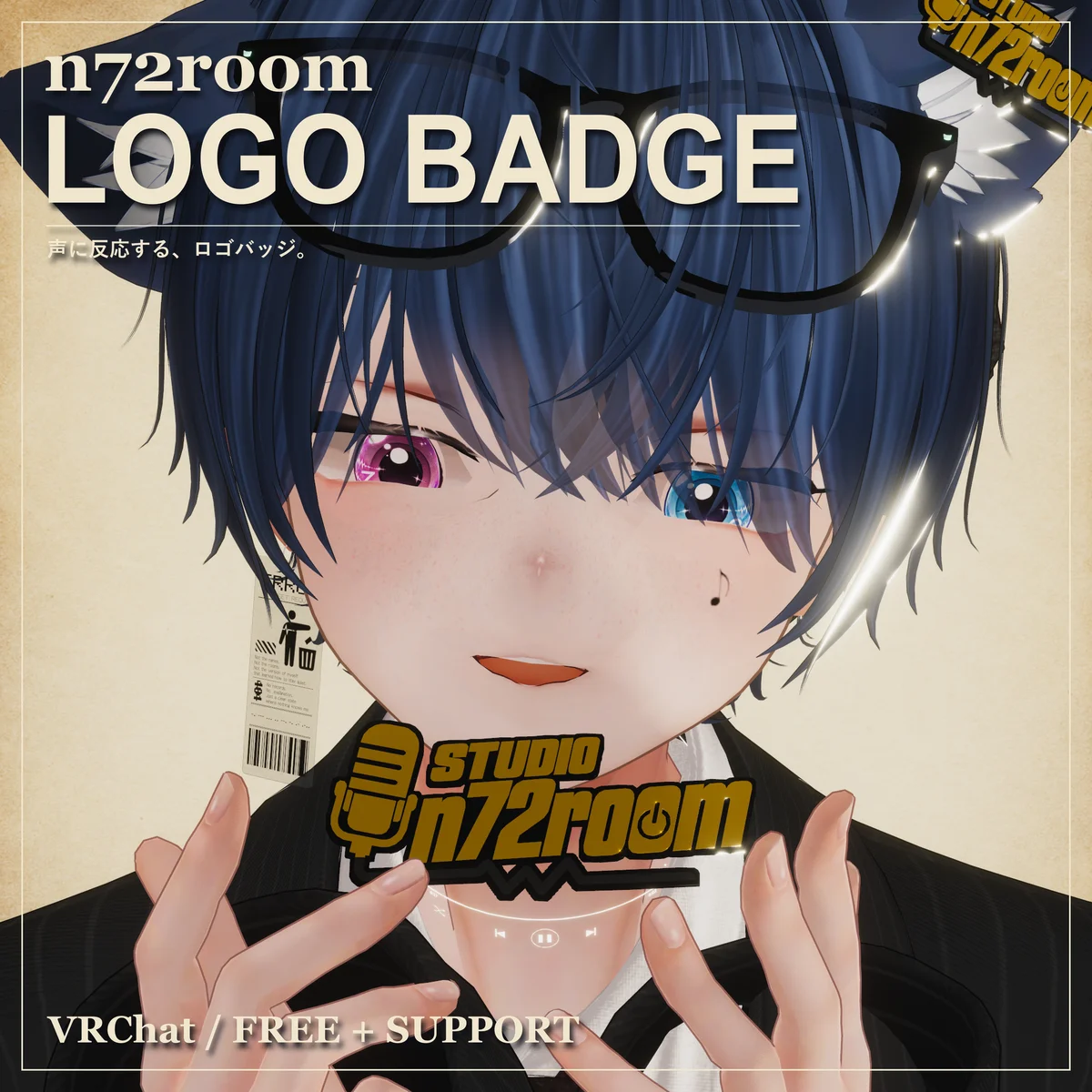
Wearing example. Avatar not included. These custom colors do not represent the default distribution colors.
A three-dimensional version of the Studio n72room logo for PC avatars in VRChat. Attach it to your chest, hat, ears, or another location. The brand is n72room. An avatar is not included.
Free & Support editions
| New model | Free | Support |
|---|---|---|
| Price | Free | ¥500 |
| Triangles | 5,604 | 5,604 |
| Materials | 2 | 3 |
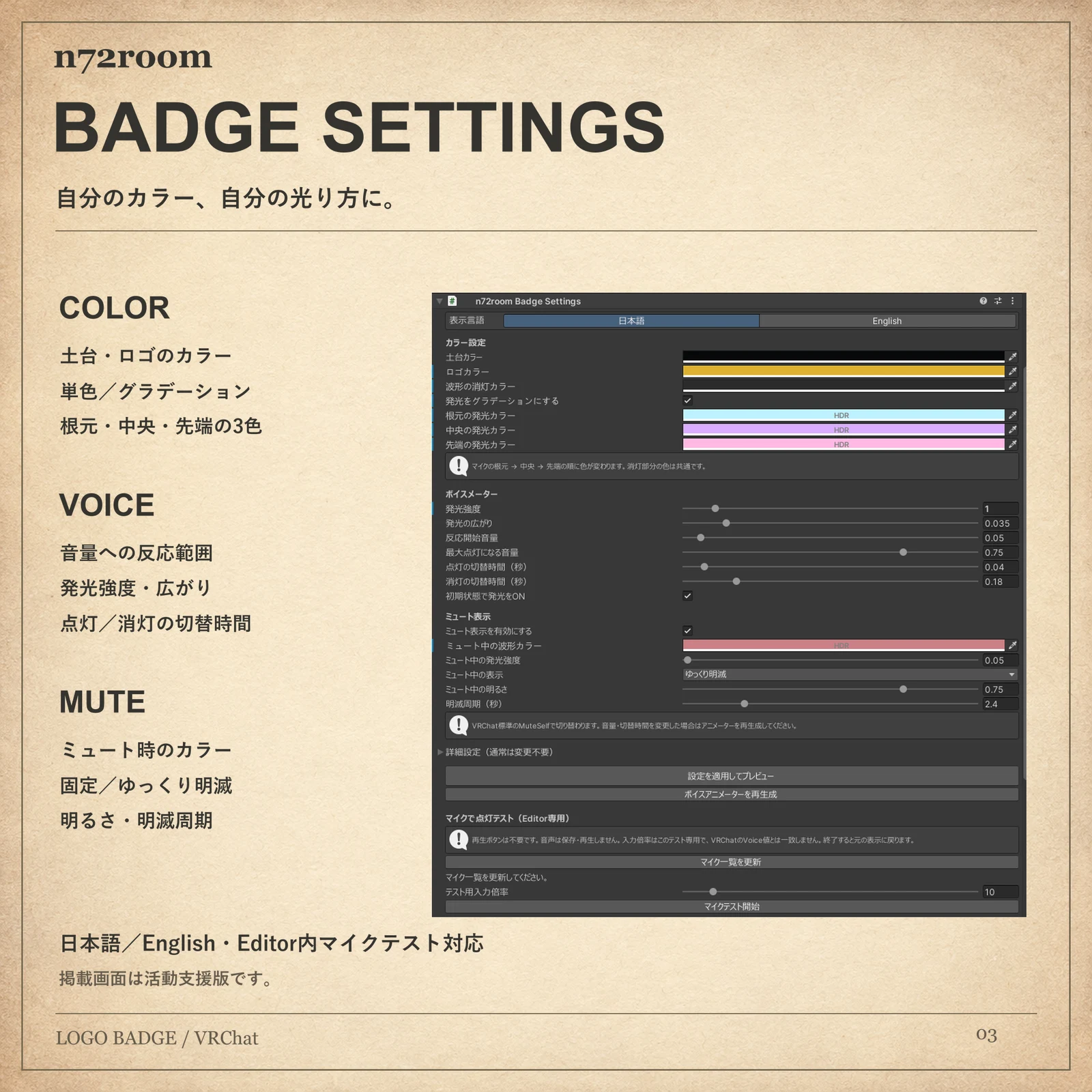
| Waveform | Static design | Voice reaction & mute display |
| Base & logo colors | Adjustable | Adjustable |
| New Free edition included | — | Yes |
The Support edition offers extra features for those who wish to support our creative work. Each new-edition ZIP contains a UnityPackage and installation guide. The Support UnityPackage also includes the new Free edition.
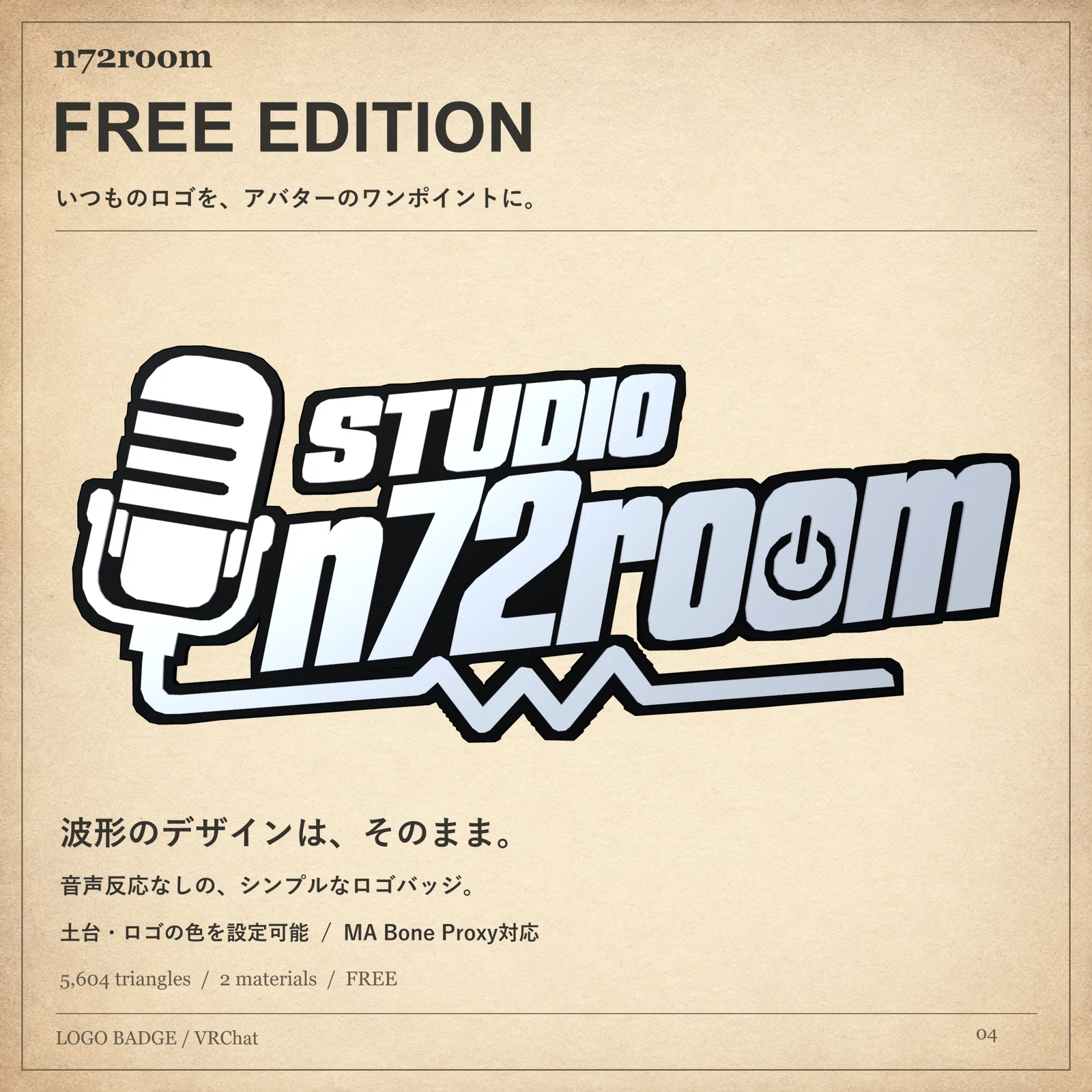
Voice-reactive glow & mute display
The illuminated waveform extends from the microphone base according to voice volume. It has 32 segments, with eight voice levels interpolated between stages.
- Switch between solid color and a three-color gradient (base, center, tip).
- When muted, the entire waveform uses your selected color. Choose a steady display or slow pulsing.
- Adjust glow intensity, response volume, and on/off transition times.
- Uses VRChat’s built-in Voice and MuteSelf; no additional synced parameters are required for voice reaction or mute detection.
- “Badge Glow” menu switches are local settings.
- Test the microphone and preview mute display in the dedicated Unity Inspector. Voice reaction and mute display have been checked in VRChat.
The base and logo use lilToon. The Support waveform uses a dedicated shader.
Installation & requirements
- Import the UnityPackage into an avatar project with the required dependencies installed.
- Place the Prefab directly under the avatar and adjust position, rotation, and scale.
- Set the follow target in the parent’s MA Bone Proxy.
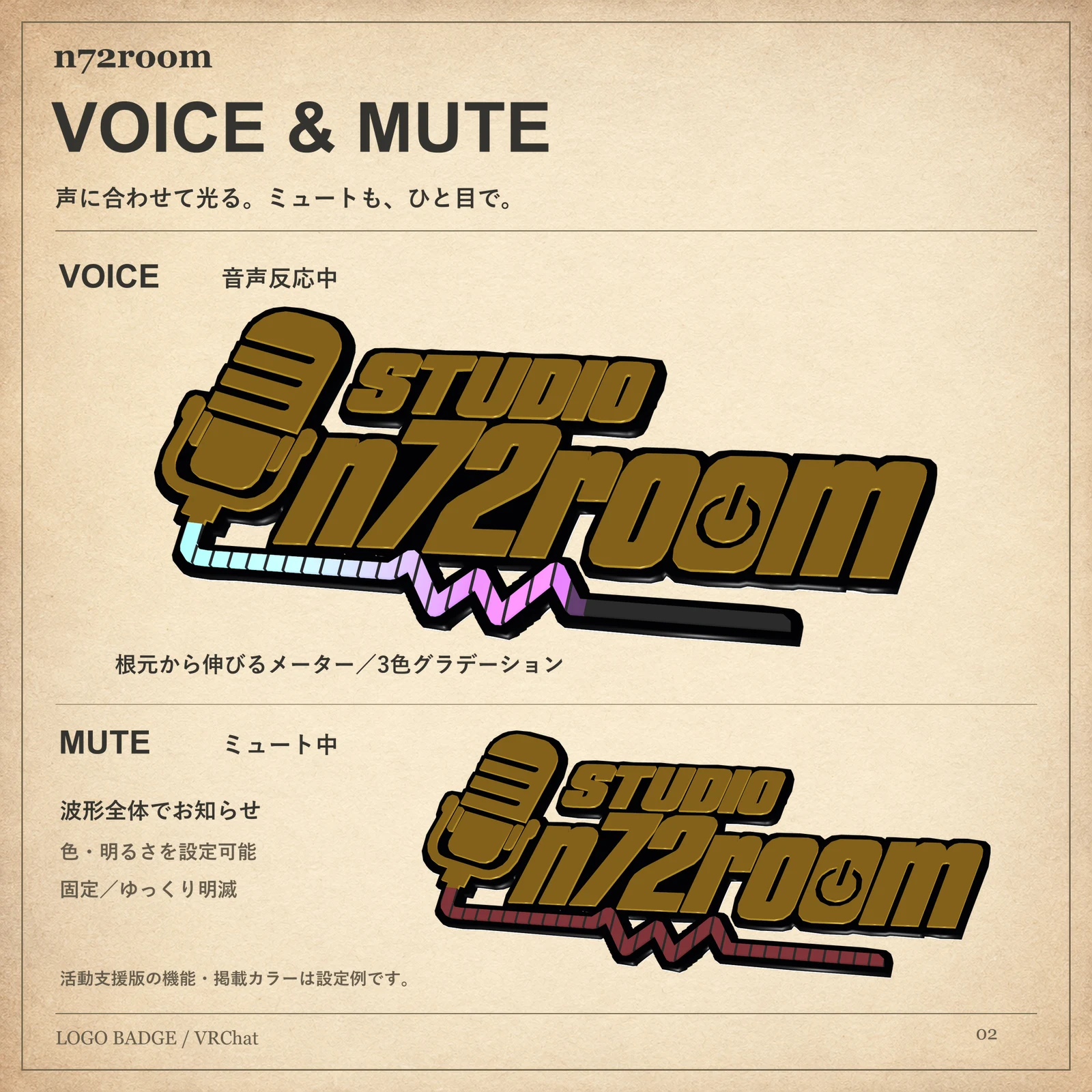
- Configure colors in the dedicated Inspector, apply, and save the Scene.
Asset location: Assets/n72room/n72room Logo Voice Badge/
The Inspector supports Japanese and English and saves color settings per placed badge. Regenerate the voice Animator after changing Support volume settings, transition times, or initial glow state. Color and mute-display changes alone do not require regeneration. See the included installation guide for details.
| Tested environment (new model) | Version |
|---|---|
| Unity | 2022.3.22f1 |
| VRChat SDK Avatars | 3.10.5 |
| Modular Avatar | 1.18.7 |
| NDMF | 1.14.8 |
| lilToon | 2.3.4 |
For PC. The SDK, Modular Avatar, and lilToon are not included.
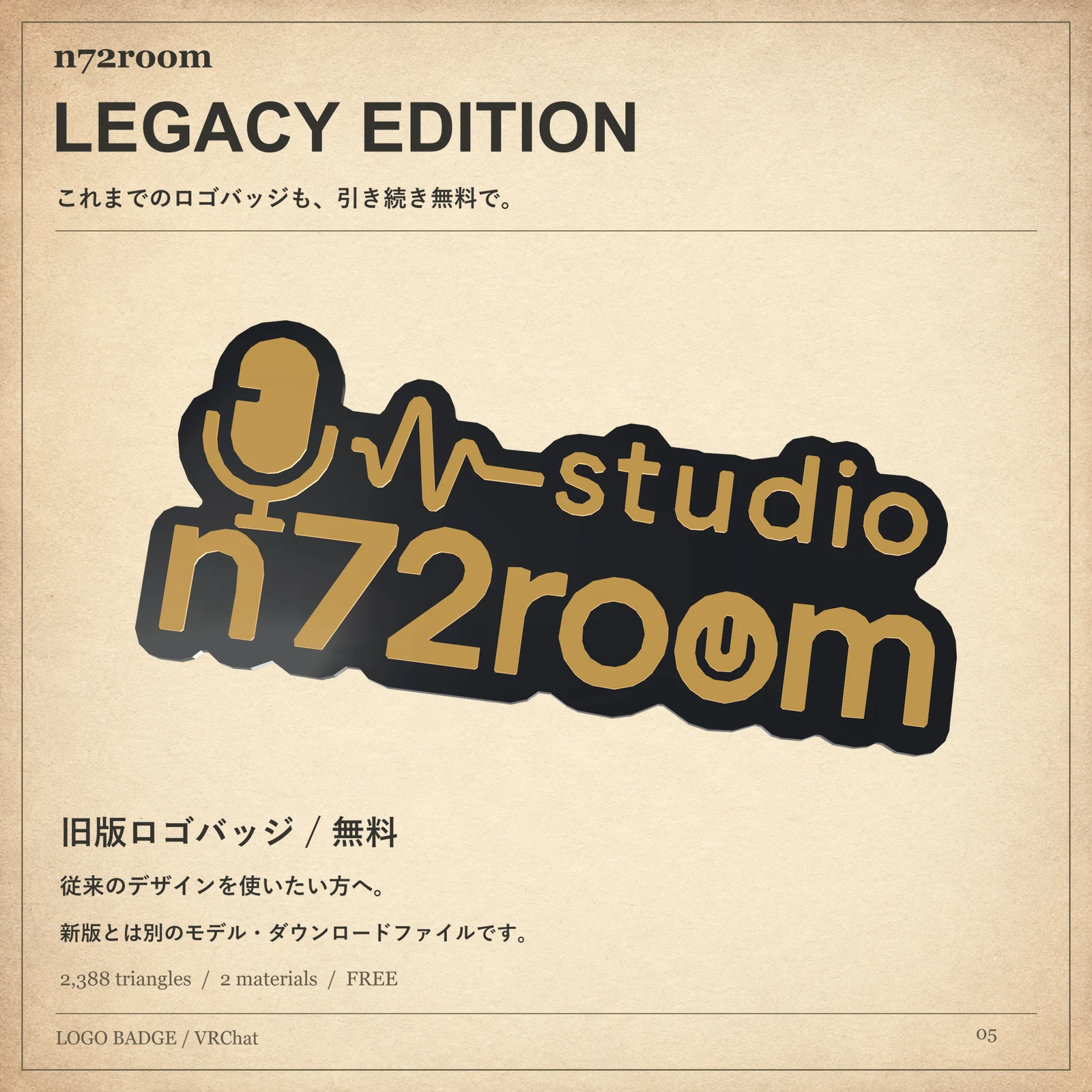
Legacy model — still free
The legacy model remains available for free as a separate model and download. The Free edition included with Support is the new model, not the legacy model.
- 2,388 triangles; 2 materials
- Approx. 115.9 × 51.2 × 3.3 mm
- Prefab:
Studio_n72room_Badge.prefab - Includes Prefab, FBX, textures, and materials
K.E.O.N.N Logo Badge
Product images are being prepared
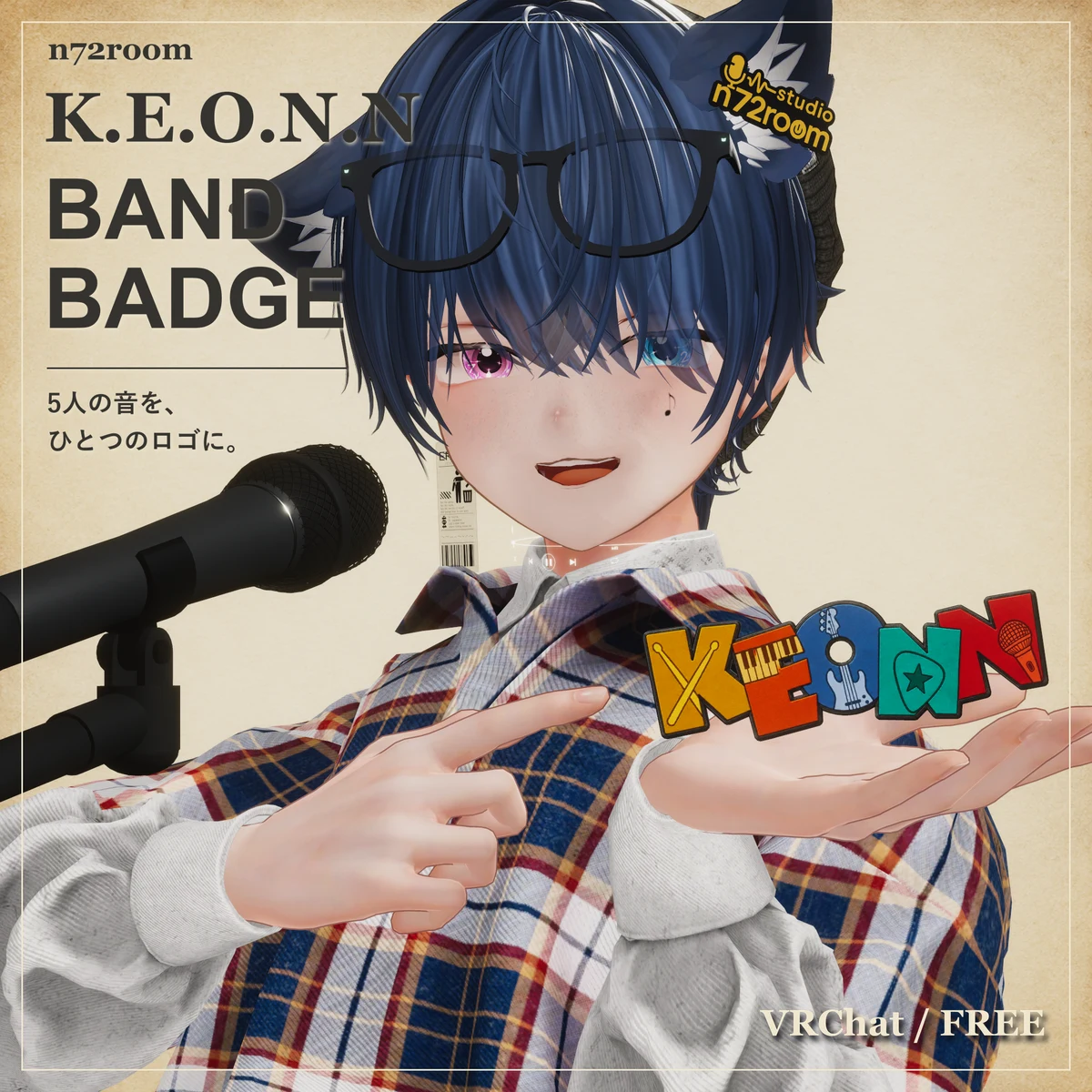
A free badge for VRChat PC avatars incorporating the instruments and motifs of five band members. This is a separate product from n72room Logo Badge. It has no voice reaction or mute feature.
| Letter | Member / motif |
|---|---|
| K | かぺ / drumsticks |
| E | える先生 / piano |
| O | おーば / bass |
| N | 野中海 / star-bearing pick |
| N | なつめ / microphone |
692 triangles; 2 materials. Approx. 106.5 × 35.5 × 3.0 mm. Includes Prefab, FBX, textures, and materials.
Import into an avatar project with Modular Avatar installed. Place KEONN_Badge_PC.prefab directly under the avatar, adjust position, rotation, and scale, set the MA Bone Proxy target, and save the Scene. Modular Avatar is not included.
Downloads & terms
Download or purchase each product on BOOTH.
The supplied terms permit modification, streaming, videos, and monetized content. Redistribution, resale, false authorship, and use contrary to law or public order are prohibited. Impersonating band members is also prohibited for the band badge. Check each BOOTH page for the latest terms before use.